
1099-NEC to Excel, CSV, and JSON: Extract and Convert 1099-NEC Data
How to convert a 1099-NEC to Excel, CSV, or JSON with OCR, covering field extraction, bulk processing, scanned forms and photos, and an accurate 1099-NEC extraction API.
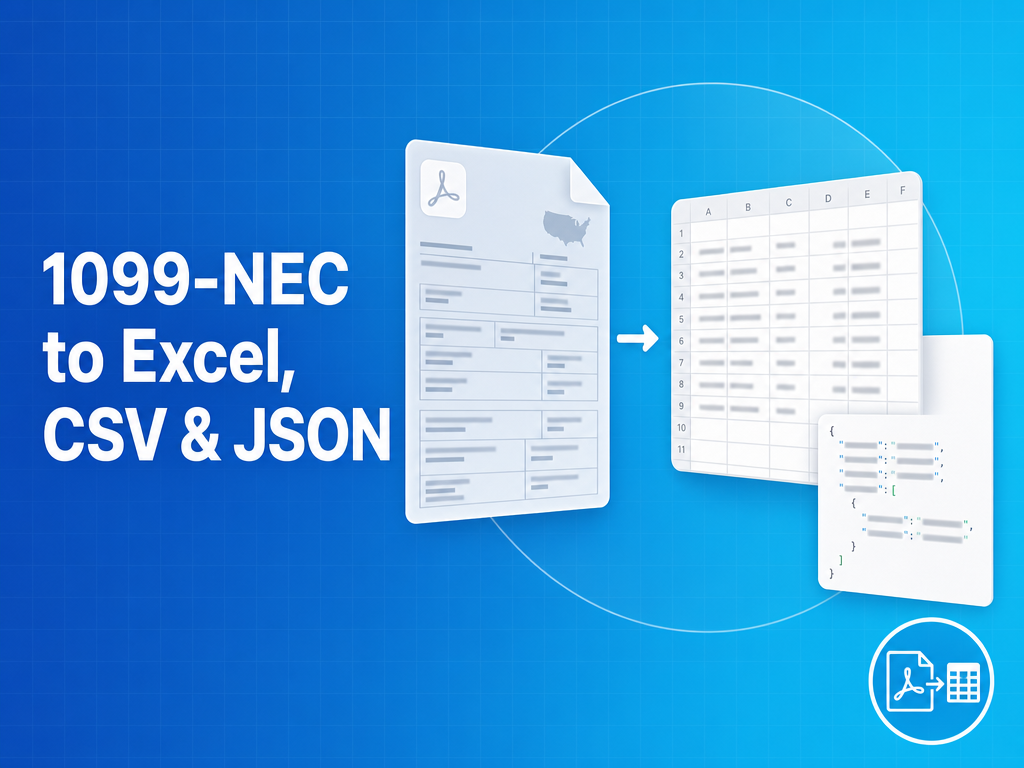
The fastest way to turn a 1099-NEC into usable data is a 1099-NEC OCR tool that reads the form and exports structured fields to Excel, CSV, or JSON. Businesses that pay contractors handle these forms in volume every January, and manual entry of payer TINs, recipient TINs, and Box 1 amounts does not scale. A purpose-built 1099-NEC extractor like FormX converts each form into clean columns or a JSON object automatically. This guide covers how to extract and convert 1099-NEC forms with FormX accurately, in bulk, and programmatically.
How do you convert a 1099-NEC to Excel or CSV?
To convert a 1099-NEC to Excel or CSV, run the form through a 1099-NEC OCR tool like FormX that maps each field and exports one row per form. Upload a PDF, scan, or photo, and FormX returns payer, recipient, Box 1 nonemployee compensation, and state boxes as spreadsheet columns. FormX keeps payer TIN, recipient TIN, and Box 1 in separate columns so the export reconciles cleanly against your 1099 filing.
How do you convert a 1099-NEC to JSON?
To convert a 1099-NEC to JSON, use a 1099-NEC extraction API like FormX that returns a normalized object for your tax or accounting system. The FormX response carries the payer and recipient details with their TINs kept separate, Box 1 nonemployee compensation, Box 4 federal income tax withheld, and the state boxes (Box 5 state tax withheld, Box 6 state/payer number, Box 7 state income), each as a labelled field ready to map into your filing.
Why do you need a 1099-NEC-specific extractor instead of generic OCR?
You need a 1099-NEC-specific extractor because generic OCR recognizes characters without understanding the boxes. It cannot reliably separate the payer’s TIN from the recipient’s TIN, or map a figure to Box 1 versus Box 4. An accurate 1099-NEC extractor is trained on the form layout, so it performs field extraction across the red-ink IRS copy and the recipient copies, which is what makes automated 1099-NEC extraction dependable.
Can you extract from a photo or scan of a 1099-NEC?
Yes. FormX reads a photo, a scanned image, or a digital PDF and returns the same fields. Photographed and scanned forms are pre-processed (deskew, denoise, 300 DPI minimum) before FormX runs extraction, so a phone photo converts to a spreadsheet just like a clean PDF. Files with multiple 1099-NECs are split into one record per form.
How do you extract 1099-NEC data in bulk?
Bulk 1099-NEC extraction with FormX uses a batch or asynchronous API: submit many forms in one request rather than one call per file. This makes 1099 season viable for accounting firms and platforms handling thousands of contractor forms, and FormX bills pay-as-you-go so cost scales with volume.
Extract 1099-NEC data programmatically (API and SDK)
To extract 1099-NEC data programmatically, POST a file to the FormX 1099-NEC OCR API and receive JSON in seconds. The FormX parsing API accepts PDFs and images, returns per-field confidence scores, and integrates directly into tax filing or bookkeeping workflows.
1099-NEC extraction and conversion tools compared
| Tool | 1099-specific model | TIN separation | To Excel / CSV / JSON | Bulk / API | Pricing |
|---|---|---|---|---|---|
| FormX | Yes | Yes | Yes, all three | Yes, batch + async | Pay-as-you-go |
| DocuClipper | Tax-form focused | Partial | Yes | Limited API | Subscription |
| Tax1099 | Filing-first | Yes | Limited | Limited | Subscription |
| Generic OCR | No | No | Manual mapping | Varies | Varies |
Frequently asked questions
Is there a free 1099-NEC to Excel converter? Yes, FormX offers a free 1099-NEC extractor for one-off forms, plus an API for bulk use.
What is the best 1099-NEC to Excel tool? One that separates payer and recipient TINs, reads scans and photos, and supports bulk export; FormX does all three.
Can I turn a 1099-NEC into CSV? Yes, FormX exports the extracted fields as CSV, one row per form.
How accurate is automated 1099-NEC extraction? FormX returns per-field confidence scores that let you auto-accept high-confidence values and review the rest.
How FormX handles 1099-NEC conversion
FormX is purpose-built for structured financial documents like the 1099-NEC:
- Converts 1099-NEC forms to Excel, CSV, and JSON with payer/recipient TINs kept separate
- Reads scanned images, phone photos, and digital PDFs in one pipeline
- Returns normalized JSON with per-field confidence scores
- Batch and async endpoints for 1099-season volume, pay-as-you-go pricing
Related reading: 1099-NEC OCR API · Best tax form extraction tools