

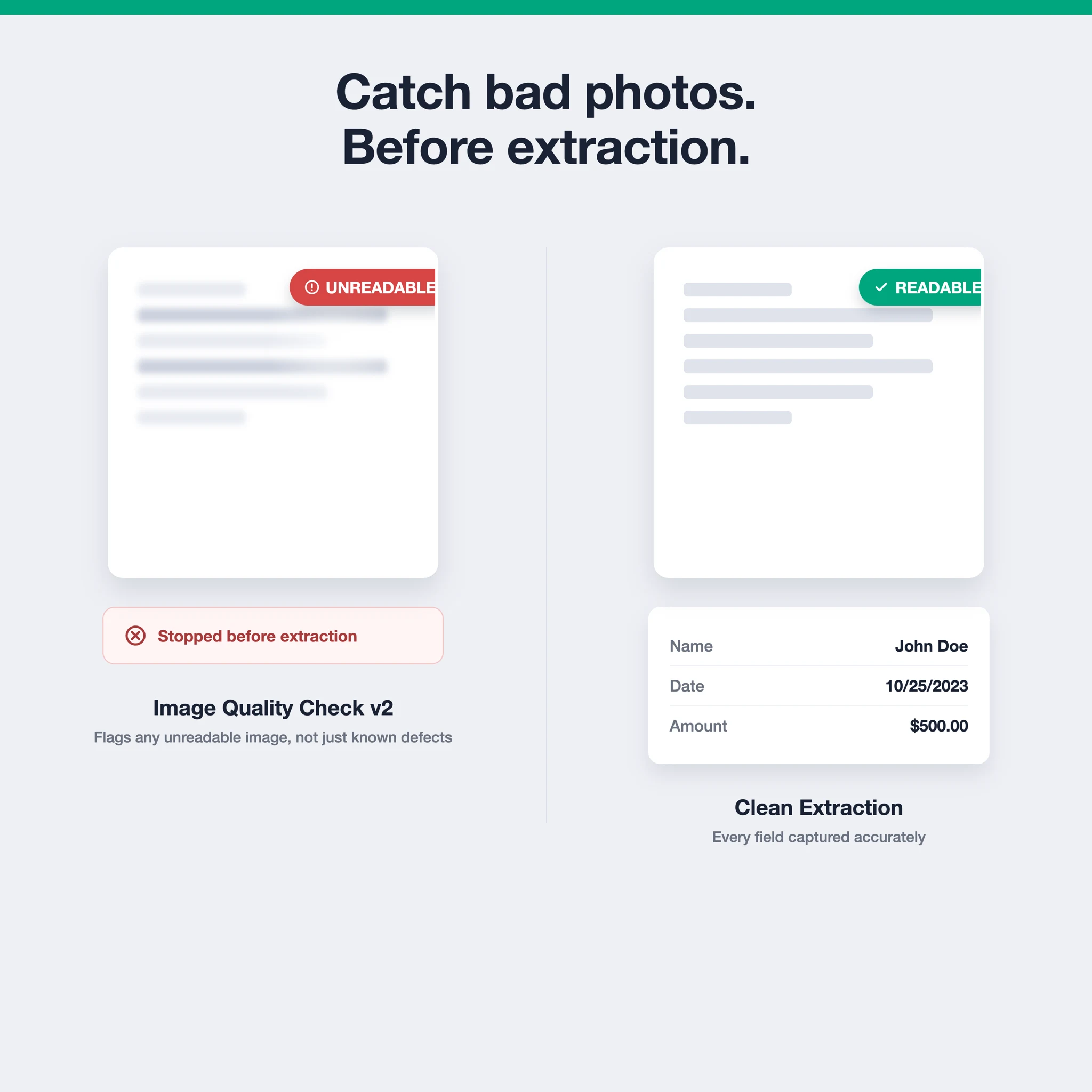
This release introduces Image Quality Check v2, a more reliable model for catching bad document images before they ever reach extraction. We’ve also made bounding box review smoother and cleaned up how extraction results are displayed.
A single check for “this image can’t be read”
Image Quality Check has always let you flag documents with quality problems, blur, glare, low resolution, before they go through extraction. Until now, that meant matching the image against a specific defect type. If a photo was bad for a reason your configuration didn’t cover, it could slip through.
Image Quality Check v2 adds a new unreadable defect that closes that gap. Instead of requiring a match to a specific defect type, it flags any image that simply can’t be read, whatever the cause. It’s also a meaningfully more reliable model than v1 at catching these cases in the first place.
This matters most for mobile capture flows, where a user snaps a photo on their phone and image quality varies wildly from one submission to the next. If Image Quality Check comes back unreadable, you can prompt the user to retake the photo immediately, before the extractor ever sees it. That’s a faster failure mode than getting a low-confidence or garbled extraction result several steps later.
You can switch between versions using the new API version selector under Extractor Settings. Choosing v2 (recommended) enables the unreadable defect. Choosing v1 (legacy) keeps your existing defect configuration exactly as it is, so there’s no need to migrate anything until you’re ready.
Image Quality Check v2 is available on Enterprise plans. Reach out to us if you’d like to try it.
Also in this release
- Smoother, more configurable bounding box reviews in the workspace, including per-extractor settings and improved zoom controls
- Clearer extraction results, with better handling of empty or missing fields
- Various UX improvements on the FormX Portal
- Misc bug fixes and security improvements
Reach out through the FormX portal or contact your account manager if you have questions about Image Quality Check v2 or want help getting set up.