
This release extends two features we shipped last update: code mapping now works on table columns, not just single fields, and bounding box detection, previously API-only, is now built into Test Extractor. We’ve also improved passport matching and prompt injection prevention.
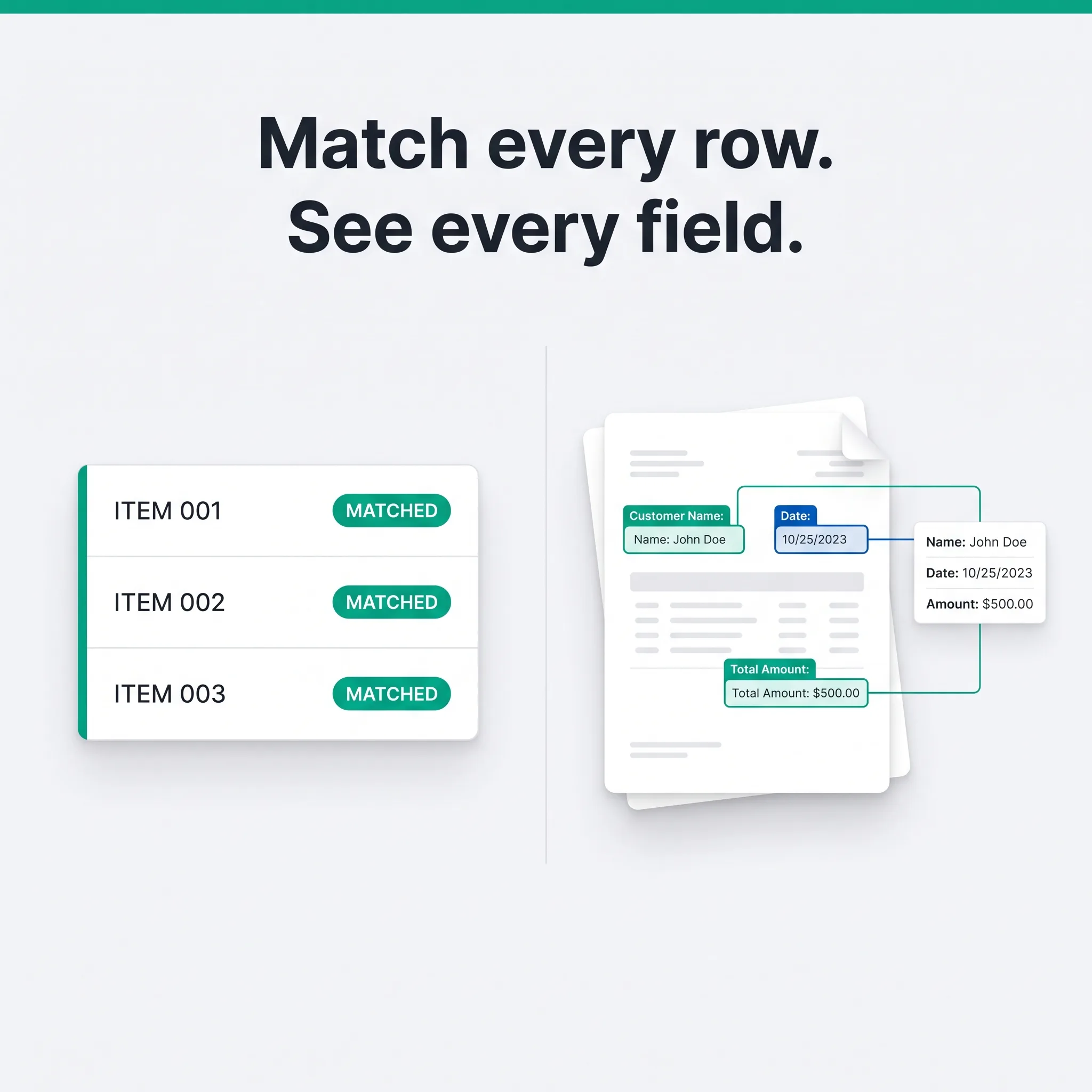
Code mapping now matches every row in a table
Code mapping lets you translate an extracted value into your own standardized code, for example matching a merchant name on a receipt to your internal merchant ID, or a product code on an invoice line item to its full catalog record.
Until now, this only worked on single fields. If your document had a table, say a multi-line invoice with a product code in every row, you had no way to map each row against your reference database at once.
That’s changed. Code mapping now works on table columns, so every row gets matched individually. A 20-line invoice with 20 different product codes gets 20 matches in one pass, instead of requiring a workaround for anything beyond a single field.
Setting up a mapping database is also simpler. The advanced options are clearer now too, including how strictly a value needs to match your reference data before FormX accepts it, useful if your codes have inconsistent formatting or frequent near-duplicates.
See exactly where data came from, without writing code
Bounding box detection shipped in our last update as a Beta API: add detect_bounding_box: true to a /v2/extract request, and FormX returns the coordinates of every extracted field alongside its value.
That capability is now available directly in Test Extractor, no API call required. Turn on “Extract with bounding box” before you upload a document, and every extracted field appears as a colored box over its exact location on the document image. Hover a field to pan the image to it. Click to zoom in.
It’s a fast way to spot-check extraction accuracy, whether you’re testing a new document type, tuning an extractor, or just confirming a value came from where you expect before rolling the setup into production. Support for Workspace and Accuracy Center is coming soon.
Also in this release
- Better automated MRZ/VIZ matching, especially for French and Spanish passports
- Stronger protection against prompt injection attacks
- Misc bug fixes and improvements
Try the new bounding box view in Test Extractor today. Questions about either feature? Reach out through the FormX portal or contact your account manager.