

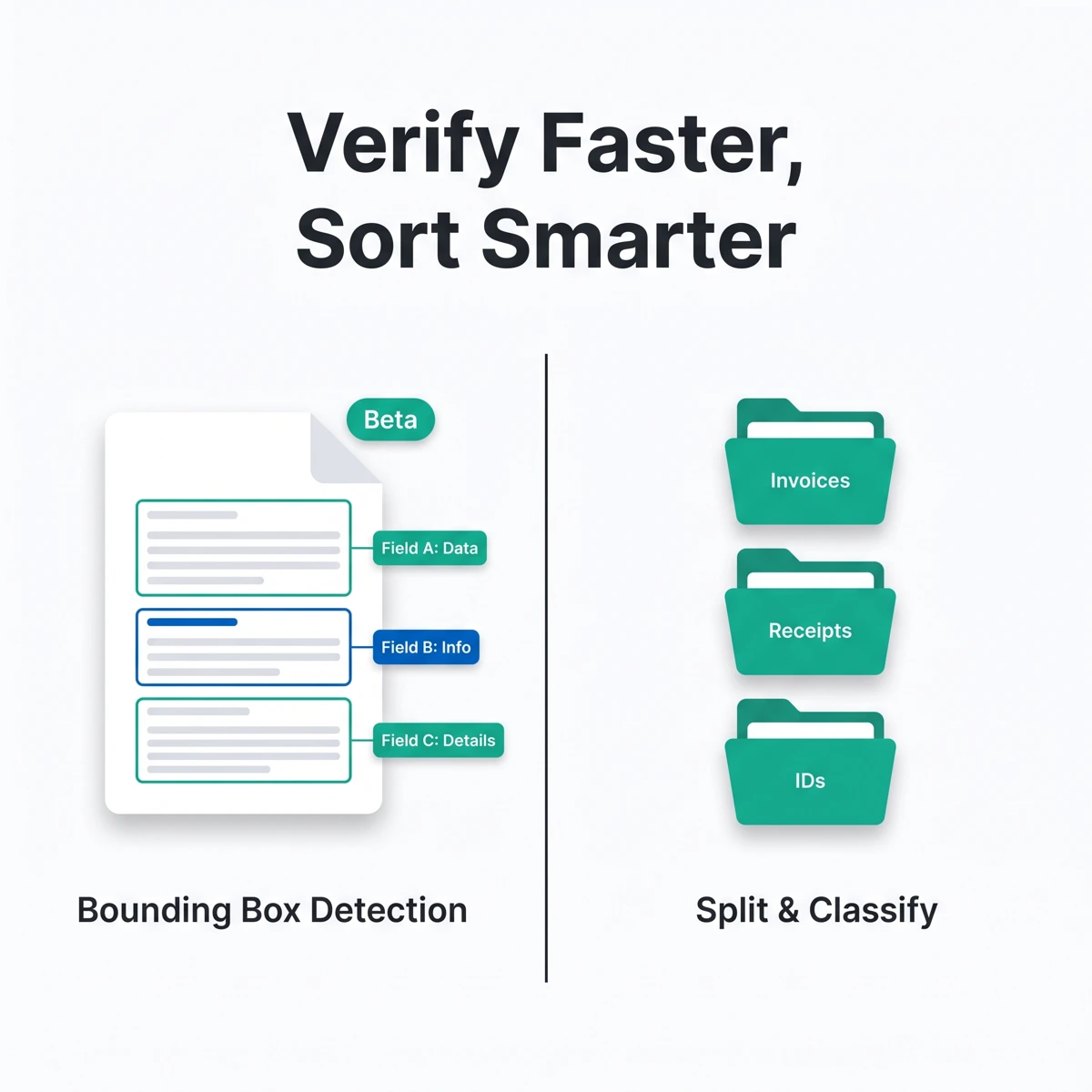
We’ve shipped two rounds of updates since our last post. This one covers a new Beta API for verifying extracted data, better handling for Workspaces that mix document types, and improvements to Smart Learning and passport extraction.
Bounding box detection in the API (Beta)
Add detect_bounding_box: true to a /v2/extract request and FormX returns the location of every extracted field alongside its value — the coordinates of the region it captured. Results show up in the workspace result metadata under bounding_box_detection.
This is useful in a few situations:
- Building a review UI where a human confirms extracted values — you can highlight the exact spot on the source document instead of asking reviewers to hunt for it manually.
- Debugging an extraction that looks wrong — the bounding box tells you what part of the document the model was actually looking at.
- Citing your source when an extracted number gets questioned downstream, since you can point to the exact region it came from.
Available in Beta. Reach out to us if you’d like it enabled for your account.
Better support for split & classify Workspaces
If your Workspace mixes document types — invoices, receipts, IDs — a few things now respect document type by default:
- Download the original source files for one or more Workspace documents in a single click. Documents produced by a split & classify extractor come pre-sorted into folders by document type, so a mixed batch downloads already organized.
- Export each document type to its own worksheet or workbook in Google Sheets and Excel, instead of one flat sheet you have to untangle afterward. Duplicate worksheet names are suffixed automatically.
- Filter which document types are included when exporting a Workspace.
- Configure webhooks to fire only for specific document types (Beta, config only for now).
Together these cut out a lot of the manual sorting that used to happen after export.
AI code mapping, now with better matching (Beta)
Code mappings let you translate an extracted value into your own standardized code — for example, matching a merchant name on a receipt to your internal merchant code. This release adds a Beta API to manage those mappings directly, plus improved fuzzy matching so values line up with the right code more often.
Smarter Smart Learning
Custom model extraction now learns more accurately from the examples you provide. If you’ve trained models on your own documents using Smart Learning, expect better results without changing anything on your end.
Other changes
- Improved passport extraction accuracy
- Self-hosted deployments can serve the Portal and Accuracy Center under a custom URL path prefix — useful behind a reverse proxy or path-based routing
- Misc bug fixes and reliability improvements across document processing and extraction
Questions about any of these? Reach out through the FormX portal or contact your account manager.